 Image 1 of 1
Your machine deserves more than a dust-out and basic paste. The CBIT Supreme Hardware Detail is a full thermal overhaul — the kind of service most shops don't offer because most shops don't have the hands-on experience to do it right.
We go further than the standard detail on every front. Premium phase-change thermal interface material like PTM7950 or Conductonaut Extreme replaces the factory paste on both your CPU and GPU, targeting the two biggest heat sources in your system with material that outperforms anything that shipped with your machine. Where accessible, we inspect and replace VRAM thermal pads on the GPU — a commonly overlooked component that dries out over time and quietly throttles performance.
Every fan gets inspected for bearing wear and wobble, your BIOS fan curves get audited and adjusted to actually take advantage of the better thermals, and we assess your case airflow to make sure hot air has a clear path out.
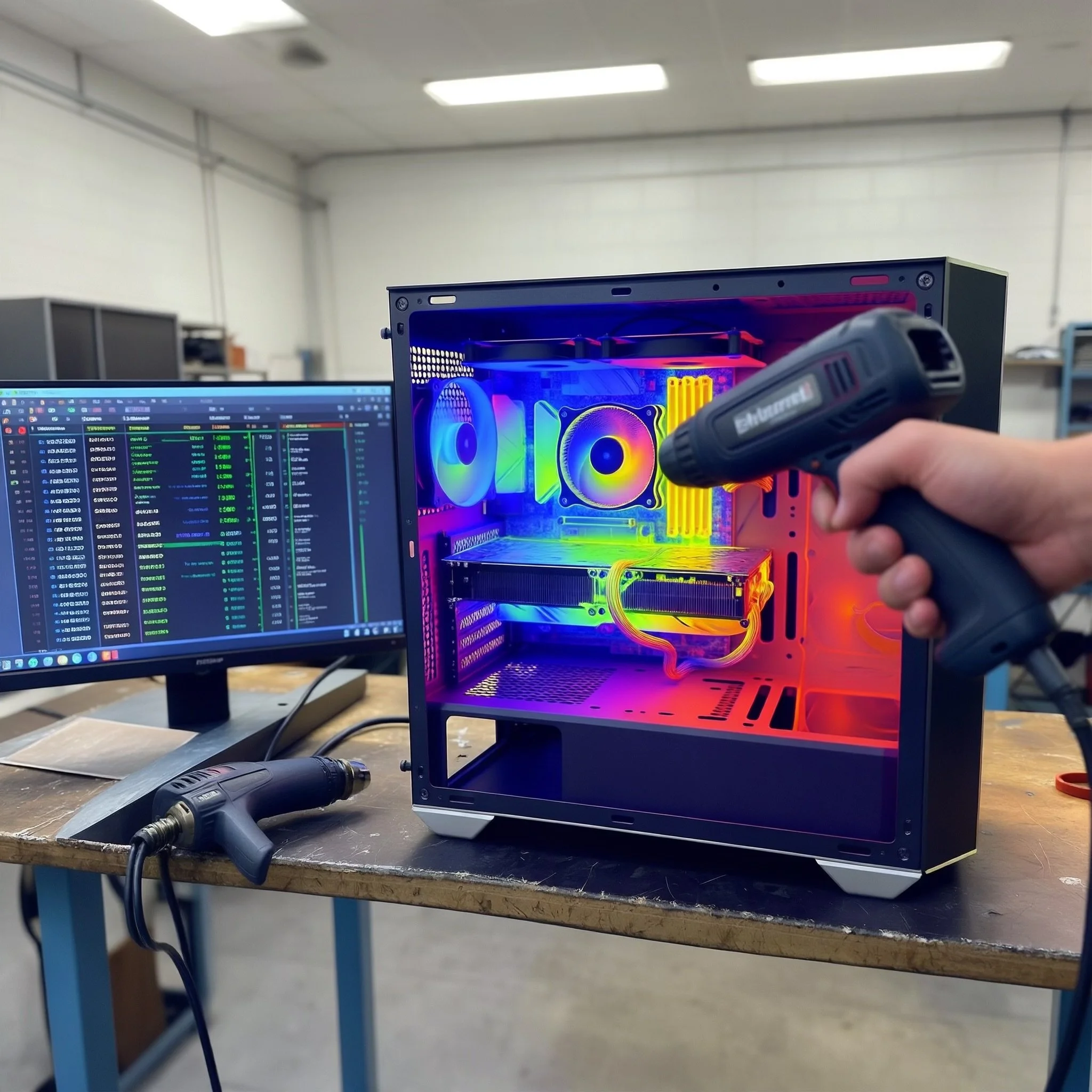
Before we close it up, we run your system under load and document temperatures on both the CPU and GPU — then we do it again after. You'll get a before and after thermal report so you can see exactly what changed, not just take our word for it.
This is the detail for builders, gamers, and anyone who wants to know their system is running at its absolute best.
Starting at $75 for laptops · $95 for desktops
GPU repaste availability confirmed prior to service. VRAM pad replacement quoted separately if needed.
Detail offers:
Everything in the base tier
CPU repaste with PTM7950 phase-change pads or Conductonaut Extreme
GPU repaste with same premium material (subject to card disassembly — confirmed before service)
Before and after thermal screenshots on both CPU and GPU under load
Fan curve audit in BIOS — adjusted if not optimized for your hardware
Full airflow analysis — identify if case layout is working against cooling
VRAM pad inspection on GPU (replace if dried or compressed out — parts extra if needed)
Cable management cleanup for improved airflow (desktops)
Full component inspection — flag anything that looks worn, loose, or concerning
Your machine deserves more than a dust-out and basic paste. The CBIT Supreme Hardware Detail is a full thermal overhaul — the kind of service most shops don't offer because most shops don't have the hands-on experience to do it right.
We go further than the standard detail on every front. Premium phase-change thermal interface material like PTM7950 or Conductonaut Extreme replaces the factory paste on both your CPU and GPU, targeting the two biggest heat sources in your system with material that outperforms anything that shipped with your machine. Where accessible, we inspect and replace VRAM thermal pads on the GPU — a commonly overlooked component that dries out over time and quietly throttles performance.
Every fan gets inspected for bearing wear and wobble, your BIOS fan curves get audited and adjusted to actually take advantage of the better thermals, and we assess your case airflow to make sure hot air has a clear path out.
Before we close it up, we run your system under load and document temperatures on both the CPU and GPU — then we do it again after. You'll get a before and after thermal report so you can see exactly what changed, not just take our word for it.
This is the detail for builders, gamers, and anyone who wants to know their system is running at its absolute best.
Starting at $75 for laptops · $95 for desktops
GPU repaste availability confirmed prior to service. VRAM pad replacement quoted separately if needed.
Detail offers:
Everything in the base tier
CPU repaste with PTM7950 phase-change pads or Conductonaut Extreme
GPU repaste with same premium material (subject to card disassembly — confirmed before service)
Before and after thermal screenshots on both CPU and GPU under load
Fan curve audit in BIOS — adjusted if not optimized for your hardware
Full airflow analysis — identify if case layout is working against cooling
VRAM pad inspection on GPU (replace if dried or compressed out — parts extra if needed)
Cable management cleanup for improved airflow (desktops)
Full component inspection — flag anything that looks worn, loose, or concerning